
AI tools have revolutionized how we work, create, and solve problems. From generating stunning visuals to writing compelling content, today’s AI solutions can save you countless hours while producing remarkable results. I’ve tested hundreds of AI tools over the past year to bring you this comprehensive guide to the most powerful, user-friendly options available today. Whether you’re a marketer, content creator, designer, or business owner, these AI tools will help you work smarter, not harder.
AI Tools by Category
We’ve organized the best AI tools into categories to help you quickly find what you need. Each section highlights the top performers based on our extensive testing and user feedback.
AI Writing Tools
Transform your content creation process with AI writing assistants that can generate blog posts, marketing copy, emails, and more.
AI Design & Image Tools
Create stunning visuals, remove backgrounds, generate artwork, and design graphics without advanced design skills.
AI Video & Voice Tools
Generate professional videos, create realistic voiceovers, and edit footage with AI-powered tools that save hours of work.
AI Marketing Tools
Optimize your marketing efforts with AI tools for SEO, social media management, email campaigns, and customer insights.
AI Productivity Tools
Streamline your workflow, automate repetitive tasks, and manage your time more effectively with AI assistants.
Free AI Tools
Discover powerful AI tools that offer generous free tiers or trials, perfect for beginners or those on a budget.
Best AI Writing Tools
AI writing tools have transformed content creation, helping you overcome writer’s block, generate ideas, and produce polished text in a fraction of the time. Here are the top AI writing assistants worth trying:
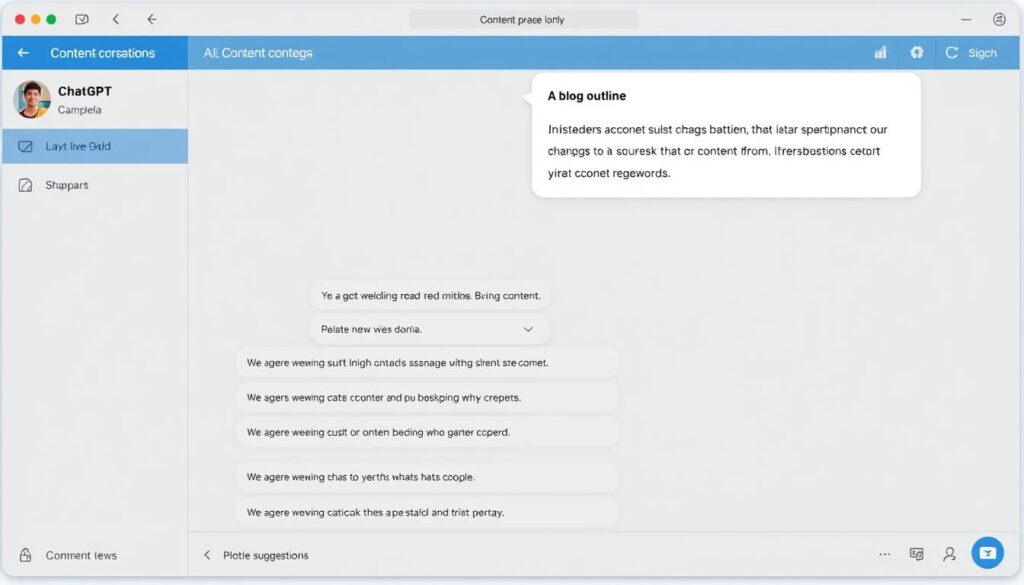
1. ChatGPT
ChatGPT remains the most versatile AI writing assistant, capable of handling everything from creative writing to technical documentation. The latest GPT-4o model offers significantly improved understanding of context and generates more coherent, human-like text.
Pros
- Extremely versatile for various writing tasks
- Excellent at understanding context and nuance
- Can upload and analyze documents to reference in writing
- Free tier available with basic functionality
- Regular model improvements and updates
Cons
- May occasionally produce factual errors
- Premium features require a subscription
- Can be overly verbose without specific instructions
- Limited context window in free version
ChatGPT offers a free plan with access to older models, while the Plus subscription ($20/month) provides access to GPT-4o, plugins, and priority access during peak times.
2. Claude
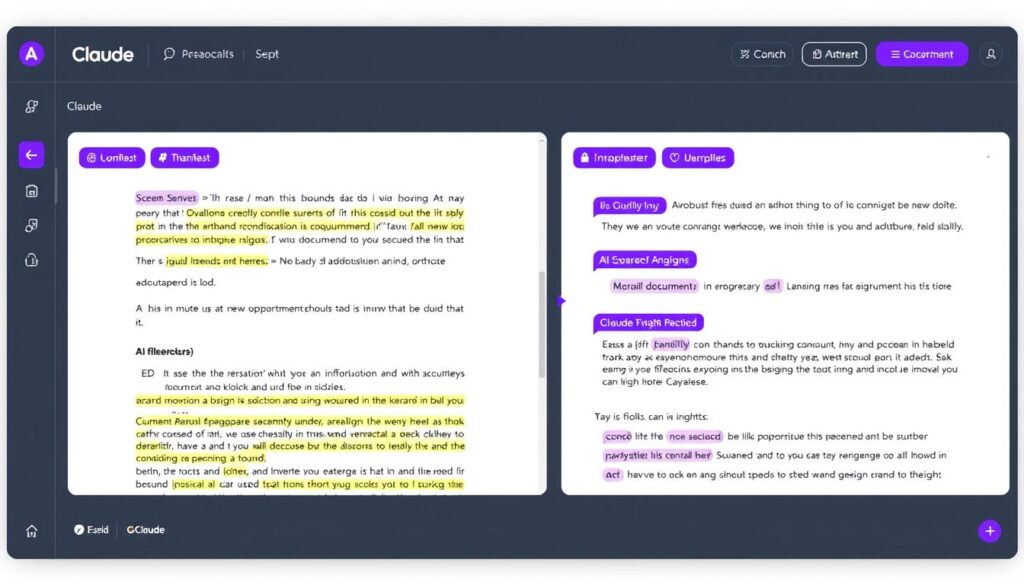
Claude by Anthropic has quickly become a favorite among professionals who need to analyze documents and generate thoughtful, nuanced content. Claude excels at understanding complex instructions and creating well-structured, coherent text.
Pros
- Superior document analysis capabilities
- Excellent at following complex instructions
- Creates well-structured, coherent content
- Handles nuance and tone adjustments well
- Generous free tier with access to powerful models
Cons
- Sometimes more cautious/conservative in responses
- Fewer integrations than some competitors
- May require more specific prompting for creative tasks
- Premium features can be expensive for individuals
Claude offers a free plan with generous usage limits. The Pro plan costs $20/month and provides access to Claude’s most advanced models, higher usage limits, and priority processing.
3. Jasper
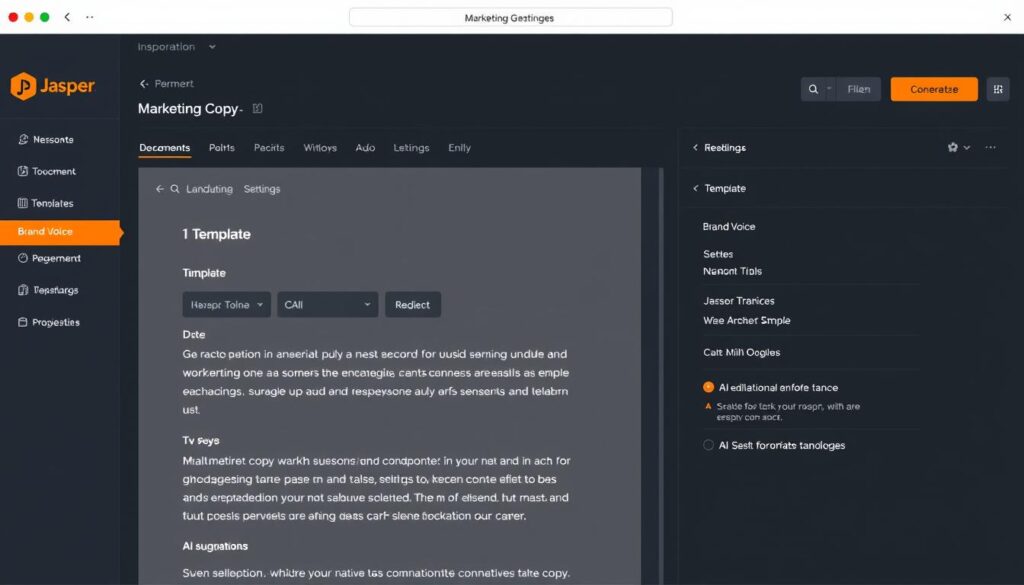
Jasper is a specialized AI writing tool designed specifically for marketing teams and content creators. It excels at generating marketing copy, blog posts, social media content, and product descriptions with a focus on conversion and engagement.
Pros
- Purpose-built for marketing content
- Extensive template library for different content types
- Brand voice settings for consistent tone
- SEO optimization features
- Team collaboration capabilities
Cons
- Higher price point than general-purpose AI tools
- Less versatile for non-marketing content
- Learning curve for advanced features
- No significant free tier
Jasper offers a 7-day free trial. Paid plans start at $39/month for the Creator plan, with Business plans starting at $99/month for teams.
Best AI Design & Image Tools
AI design tools have democratized visual creation, allowing anyone to generate professional-quality images, graphics, and designs without specialized skills. Here are the top AI design tools that deliver impressive results:
1. Midjourney
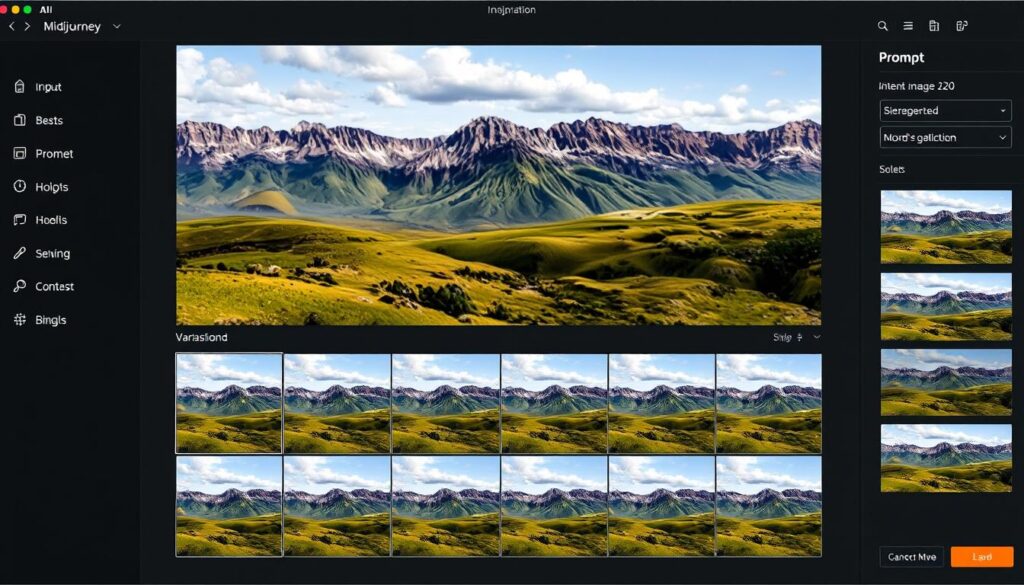
Midjourney has established itself as the gold standard for AI image generation, producing stunningly detailed, artistic images from text prompts. It excels at creating photorealistic scenes, concept art, and stylized illustrations that often surpass what human artists can produce in a fraction of the time.
Pros
- Unmatched image quality and artistic style
- Excellent at photorealistic rendering
- Strong community for prompt inspiration
- Regular model improvements
- Web interface now available (not just Discord)
Cons
- No free tier available
- Learning curve for effective prompting
- Limited control over specific elements
- Text rendering still challenging
Midjourney offers subscription plans starting at $10/month for the Basic plan, with higher tiers available for more generation time and advanced features.
2. DALL-E 3
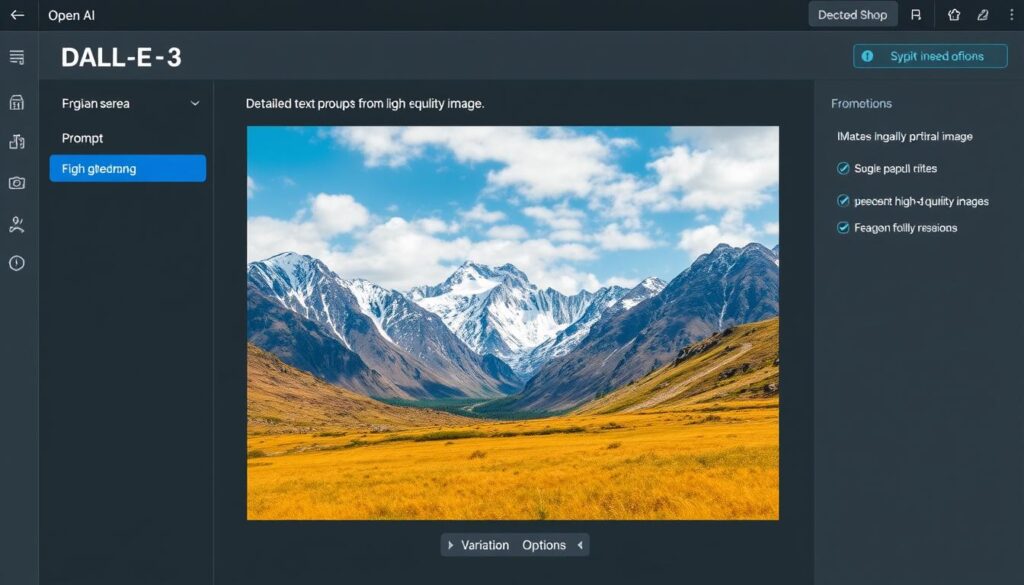
Integrated directly into ChatGPT, DALL-E 3 makes AI image generation accessible to everyone. It excels at following detailed instructions and creating coherent scenes based on complex prompts, with particularly strong performance in rendering text within images.
Pros
- Excellent text rendering in images
- Accessible through ChatGPT interface
- Strong understanding of complex prompts
- Free tier available
- Commercial usage rights included
Cons
- Less artistic flair than Midjourney
- Limited style control
- Generation limits on free tier
- Occasional inconsistencies in output
DALL-E 3 is available through ChatGPT’s free tier with daily generation limits. ChatGPT Plus subscribers ($20/month) get higher limits and priority access.
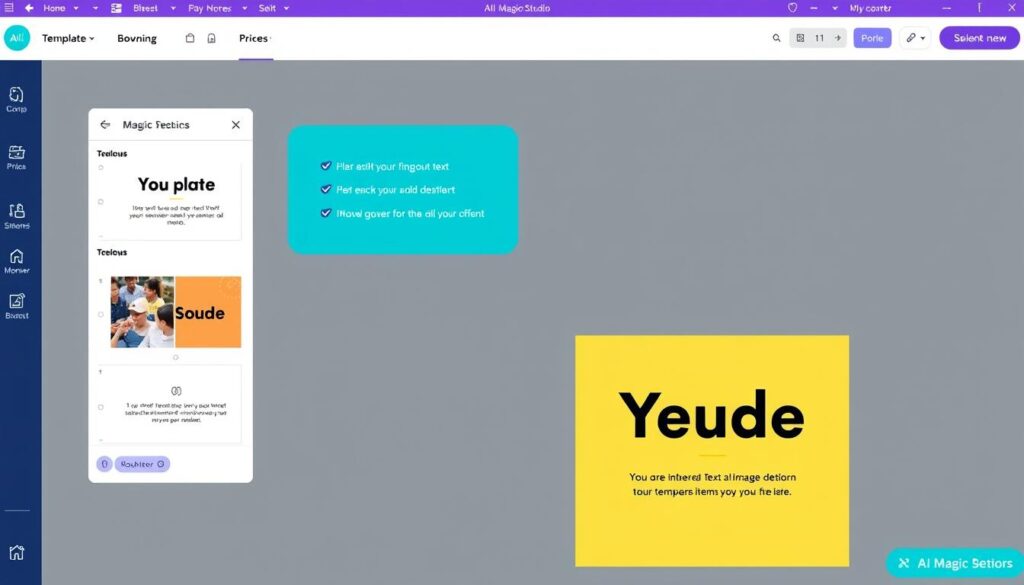
3. Canva Magic Studio
Canva has integrated AI throughout its platform with Magic Studio, bringing AI-powered design capabilities to its already user-friendly interface. From generating images and text to automatically resizing designs for different platforms, Magic Studio makes professional design accessible to everyone.
Pros
- Integrated into familiar Canva interface
- Comprehensive suite of AI design tools
- Excellent for social media and marketing materials
- Generous free tier
- Team collaboration features
Cons
- Image generation quality below specialized tools
- Limited customization for advanced users
- Usage limits on free tier
- Some features require Pro subscription
Canva offers a generous free tier with basic AI features. Canva Pro ($12.99/month) unlocks the full Magic Studio suite with unlimited AI generations.
Best AI Video & Voice Tools
AI video and voice tools are revolutionizing content creation, allowing anyone to produce professional-quality videos and audio without specialized equipment or skills. Here are the top AI tools for video and voice:
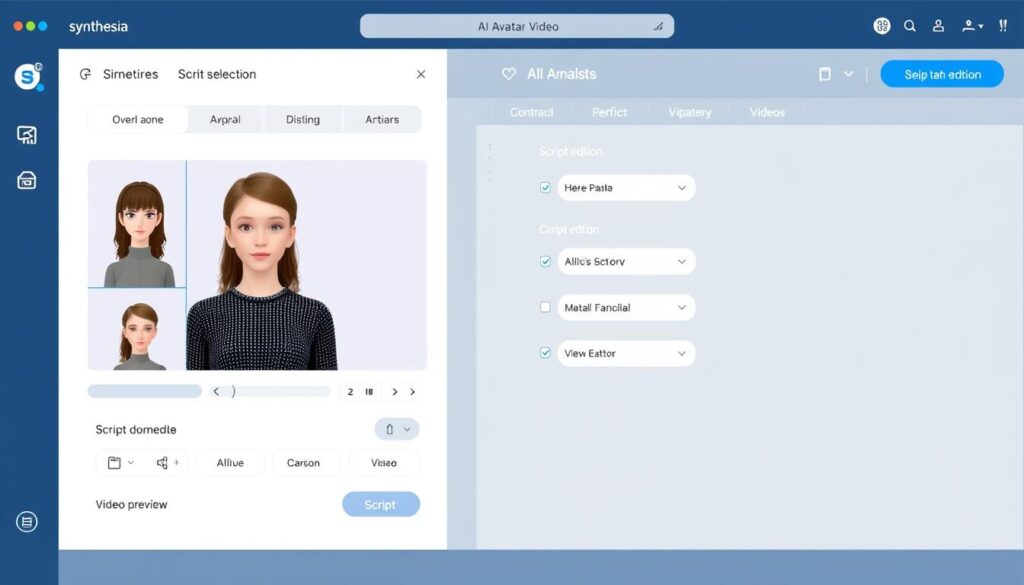
1. Synthesia
Synthesia has established itself as the leading AI avatar video generator, allowing you to create professional talking-head videos without cameras, microphones, or actors. Simply type your script, select from over 230 realistic AI avatars, and generate your video in minutes.
Pros
- Incredibly realistic AI avatars
- Support for 140+ languages
- Easy script-to-video workflow
- Extensive template library
- Professional-quality output
Cons
- Higher price point than some competitors
- Limited to talking-head style videos
- Some avatar expressions can feel mechanical
- Free tier has watermarks
Synthesia offers a free plan with limited features and watermarked videos. Paid plans start at $29/month and include full access to all avatars and features.
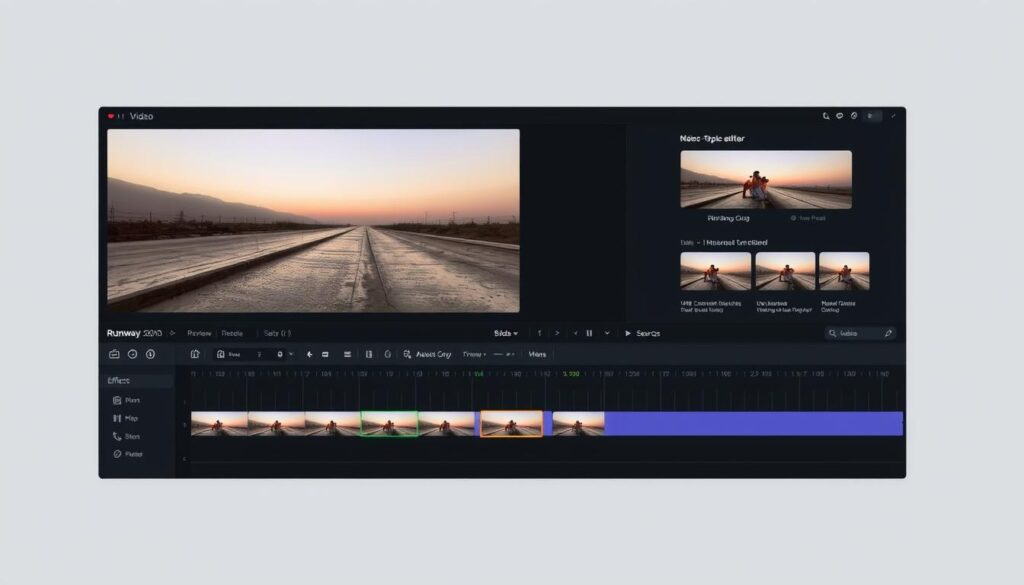
2. Runway
Runway is at the forefront of AI video generation, allowing you to create stunning videos from text prompts, images, or existing footage. Its Gen-3 Alpha model represents a significant leap forward in AI video quality, making it possible to generate cinematic scenes that were previously impossible with AI.
Pros
- Cutting-edge video generation quality
- Powerful video editing capabilities
- Text-to-video and image-to-video features
- Professional-grade tools for filmmakers
- Regular model improvements
Cons
- Steep learning curve
- Higher price point
- Resource-intensive processing
- Limited free tier
Runway offers a free plan with limited features. Paid plans start at $15/month for the Standard plan, with higher tiers available for professional users.
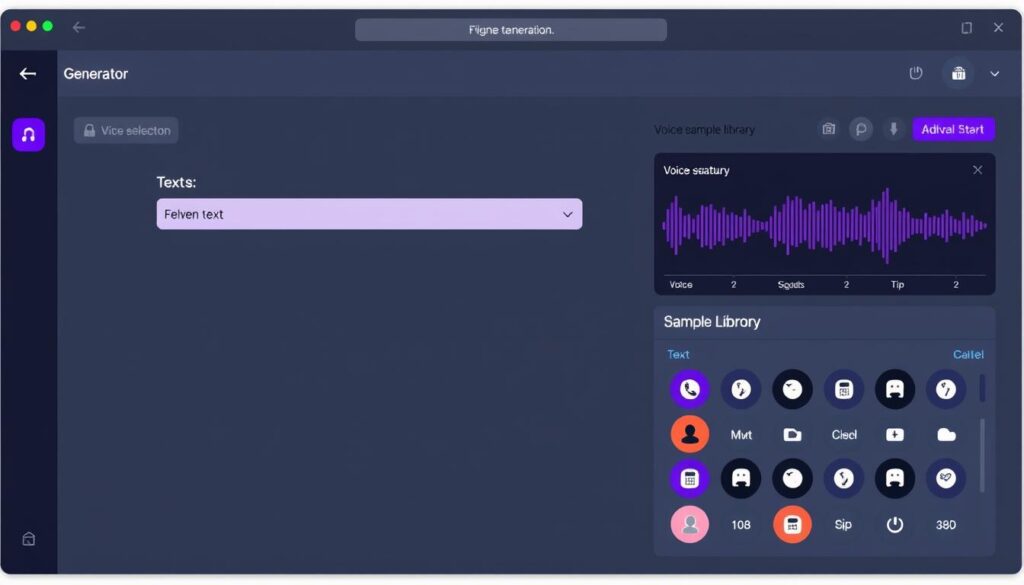
3. ElevenLabs
ElevenLabs has set the standard for AI voice generation, creating incredibly realistic and expressive voices that are nearly indistinguishable from human speech. With voice cloning capabilities and support for over 30 languages, it’s the go-to solution for professional voiceovers and narration.
Pros
- Unmatched voice quality and naturalness
- Extensive voice library with diverse options
- Voice cloning capabilities
- Multilingual support
- Fine control over voice parameters
Cons
- Higher price point than some competitors
- Limited free tier
- Voice cloning requires careful tuning
- API integration can be complex
ElevenLabs offers a free plan with 10,000 characters per month. Paid plans start at $5/month for individuals, with higher tiers available for professional users.
Best AI Marketing Tools
AI marketing tools are transforming how businesses connect with customers, optimize campaigns, and analyze performance. Here are the top AI tools that can give your marketing efforts a significant boost:
1. Surfer SEO
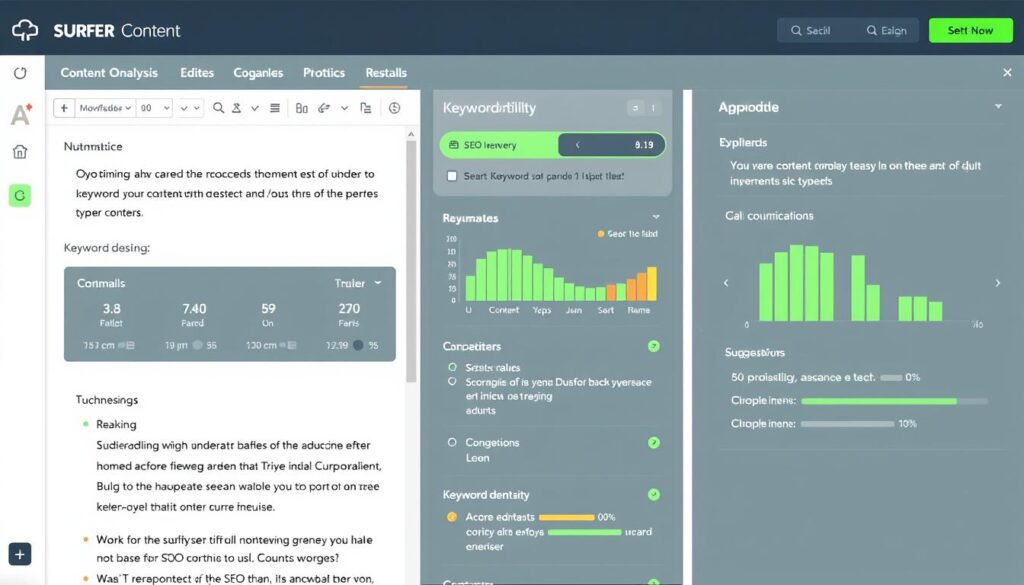
Surfer SEO has revolutionized content optimization by using AI to analyze top-ranking pages and provide actionable recommendations for improving your content. It helps you create SEO-friendly content that ranks higher in search results by suggesting keywords, headings, and content structure.
Pros
- Data-driven content optimization
- Real-time content scoring
- Competitor analysis features
- Content planner for topic clusters
- Integration with popular writing tools
Cons
- Learning curve for beginners
- No free plan (only trial)
- Can be overly prescriptive
- Higher price point than some alternatives
Surfer SEO offers a 7-day trial for $1. Paid plans start at $69/month for the Essential plan, with higher tiers available for teams and agencies.
2. Gumloop
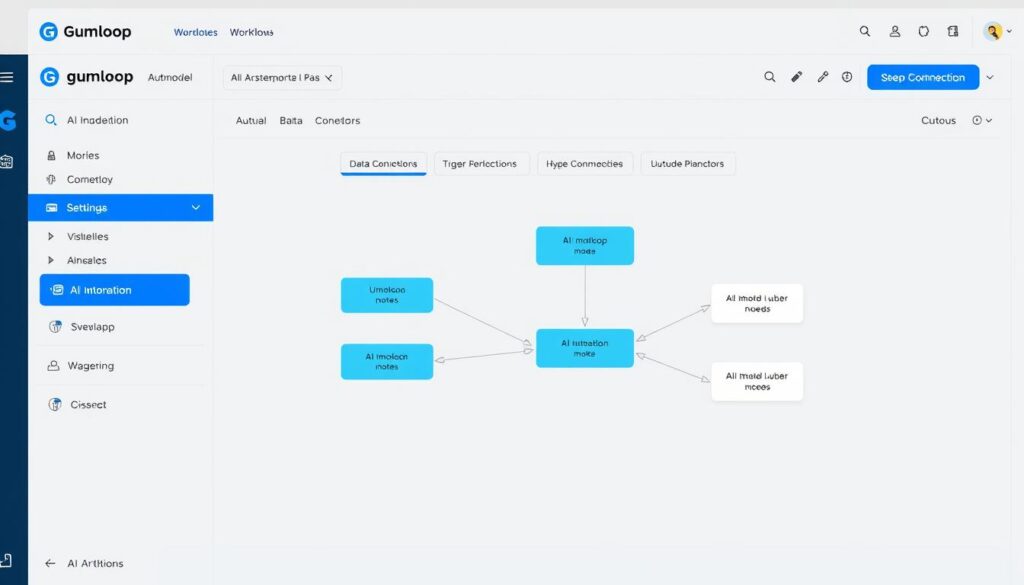
Gumloop is an AI automation platform that connects powerful language models to your existing marketing tools and workflows. It allows you to create custom AI agents that can handle tasks like content generation, data analysis, and customer interactions without writing a single line of code.
Pros
- Built-in access to leading AI models
- No-code workflow builder
- Powerful web scraping capabilities
- Continuous AI agents for real-time tasks
- Elegant, intuitive interface
Cons
- Relatively new platform
- Learning curve for complex workflows
- Limited community resources
- Higher tiers needed for advanced features
Gumloop offers a generous free plan with basic features. Paid plans start at $29/month for the Pro plan, with higher tiers available for teams and enterprises.
3. Buffer
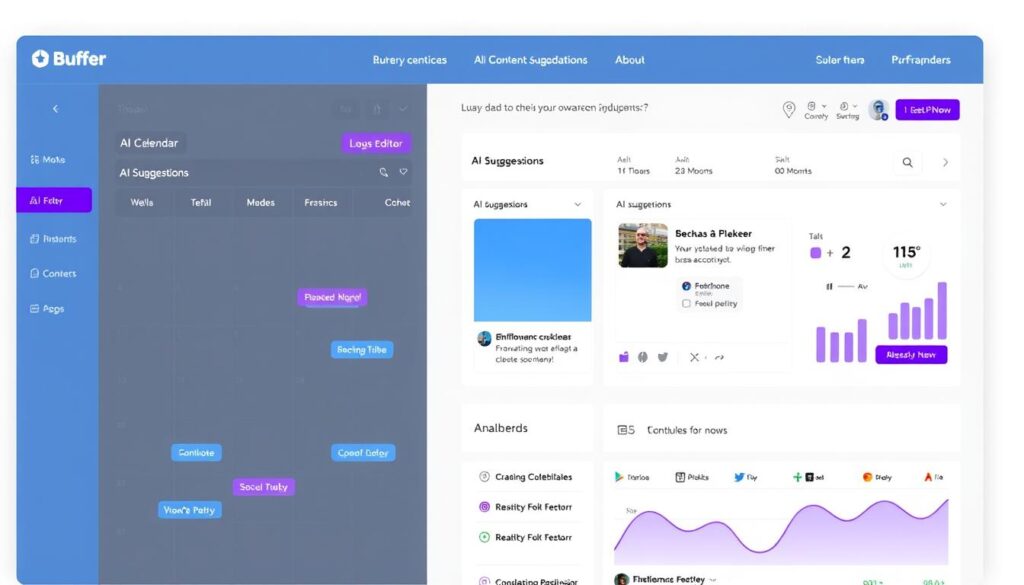
Buffer has integrated AI capabilities into its popular social media management platform, helping marketers create more engaging content and optimize posting schedules. Its AI features focus on tailoring content to each platform’s requirements and audience preferences.
Pros
- AI-powered content suggestions
- Platform-specific content optimization
- Intuitive scheduling interface
- Performance analytics
- Multi-platform support
Cons
- Limited AI features in free plan
- Less powerful than dedicated AI writers
- Some advanced features require higher tiers
- Learning curve for analytics
Buffer offers a free plan with basic features. Paid plans start at $6/month per channel for the Essentials plan, with higher tiers available for teams and agencies.
Best AI Productivity Tools
AI productivity tools are changing how we work, helping us manage tasks, organize information, and automate repetitive processes. Here are the top AI tools that can boost your productivity:
1. Notion AI
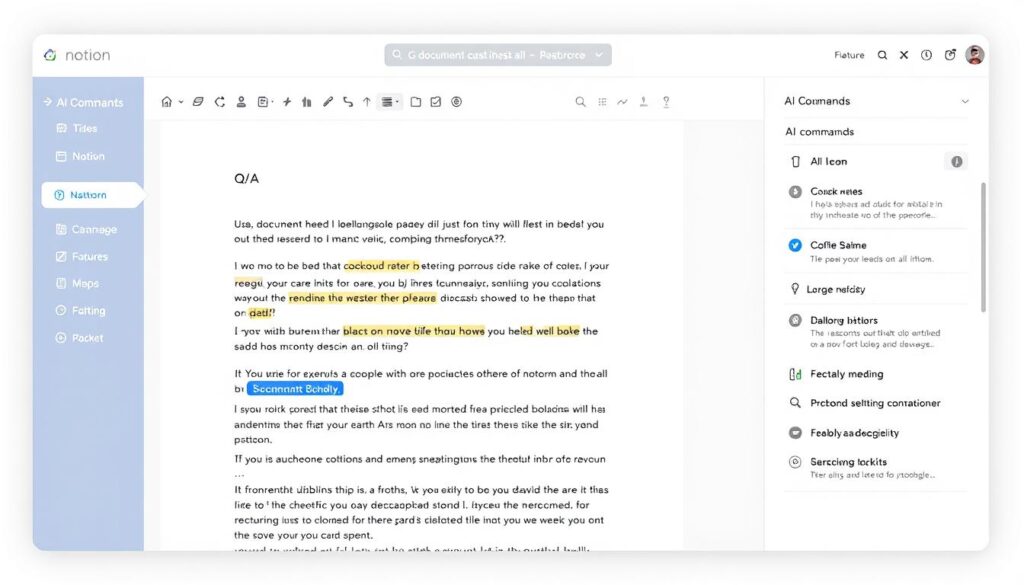
Notion has integrated powerful AI capabilities into its popular productivity platform, allowing you to generate content, summarize information, and answer questions about your workspace. Notion AI acts as your personal assistant, helping you work more efficiently within your existing workflow.
Pros
- Seamless integration with Notion workspace
- Powerful Q&A capabilities
- Content generation and summarization
- Works across your entire knowledge base
- Regular feature updates
Cons
- Additional cost on top of Notion subscription
- Occasional inaccuracies with complex data
- Limited customization options
- Requires well-organized workspace for best results
Notion AI costs $8/month per member when billed annually, or $10/month when billed monthly. It can be added to any Notion plan, including the free plan.
2. Zapier
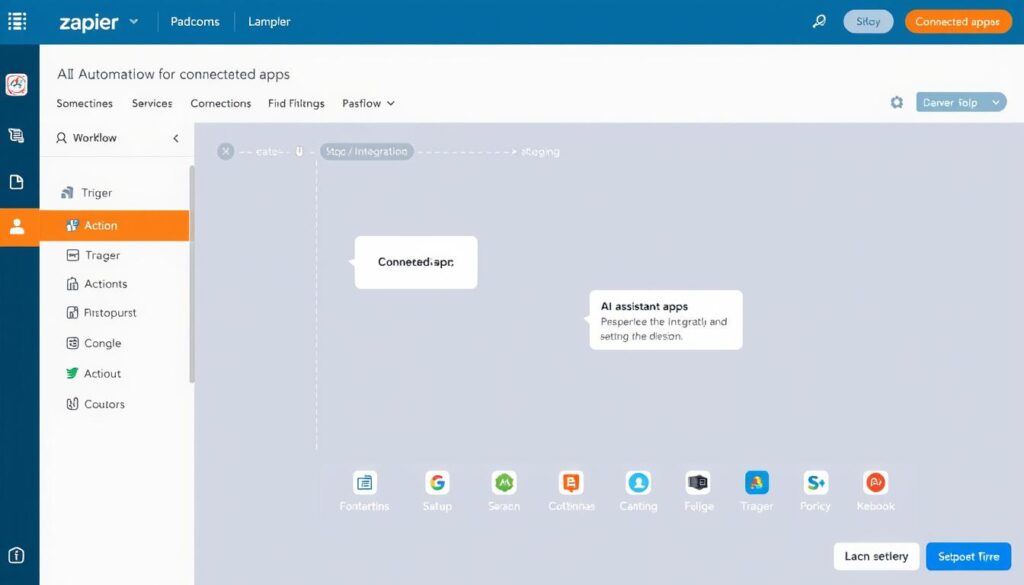
Zapier has added AI capabilities to its automation platform, making it easier than ever to connect apps and automate workflows. With Zapier’s AI tools, you can build complex automations using natural language, extract data from unstructured content, and create AI-powered chatbots without coding.
Pros
- Connects with 7,000+ apps
- AI-powered workflow builder
- Built-in GPT integration
- Custom AI agent creation
- No coding required
Cons
- Advanced AI features require higher tiers
- Learning curve for complex workflows
- Limited free tier
- Can get expensive with multiple zaps
Zapier offers a free plan with limited features. Paid plans start at $19.99/month for the Starter plan, with higher tiers available for teams and businesses.
3. Reclaim
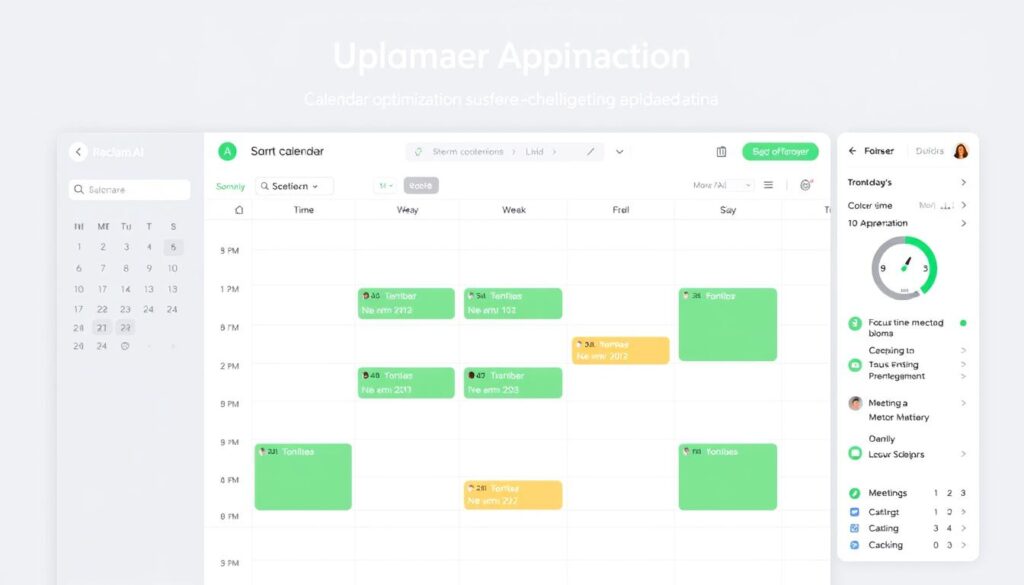
Reclaim is an AI-powered scheduling assistant that optimizes your calendar by automatically managing tasks, meetings, and breaks based on your priorities. It helps you protect focus time, schedule tasks efficiently, and maintain a healthier work-life balance.
Pros
- Intelligent calendar optimization
- Automatic task scheduling
- Focus time protection
- Habit tracking and scheduling
- Google Calendar integration
Cons
- Limited calendar integrations
- Learning curve to trust the AI
- Advanced features require paid plan
- May not suit all work styles
Reclaim offers a free Lite Plan with core time-blocking features. The Starter Plan costs $10/user/month for more advanced scheduling support.
Best Free AI Tools
You don’t need a big budget to leverage the power of AI. Many top-tier AI tools offer generous free plans that provide significant value. Here are the best free AI tools worth trying:
ChatGPT (Free)
The free version of ChatGPT gives you access to powerful AI capabilities for writing, brainstorming, and problem-solving. While it uses slightly older models than the paid version, it’s still incredibly capable for most everyday tasks.
Canva (Free)
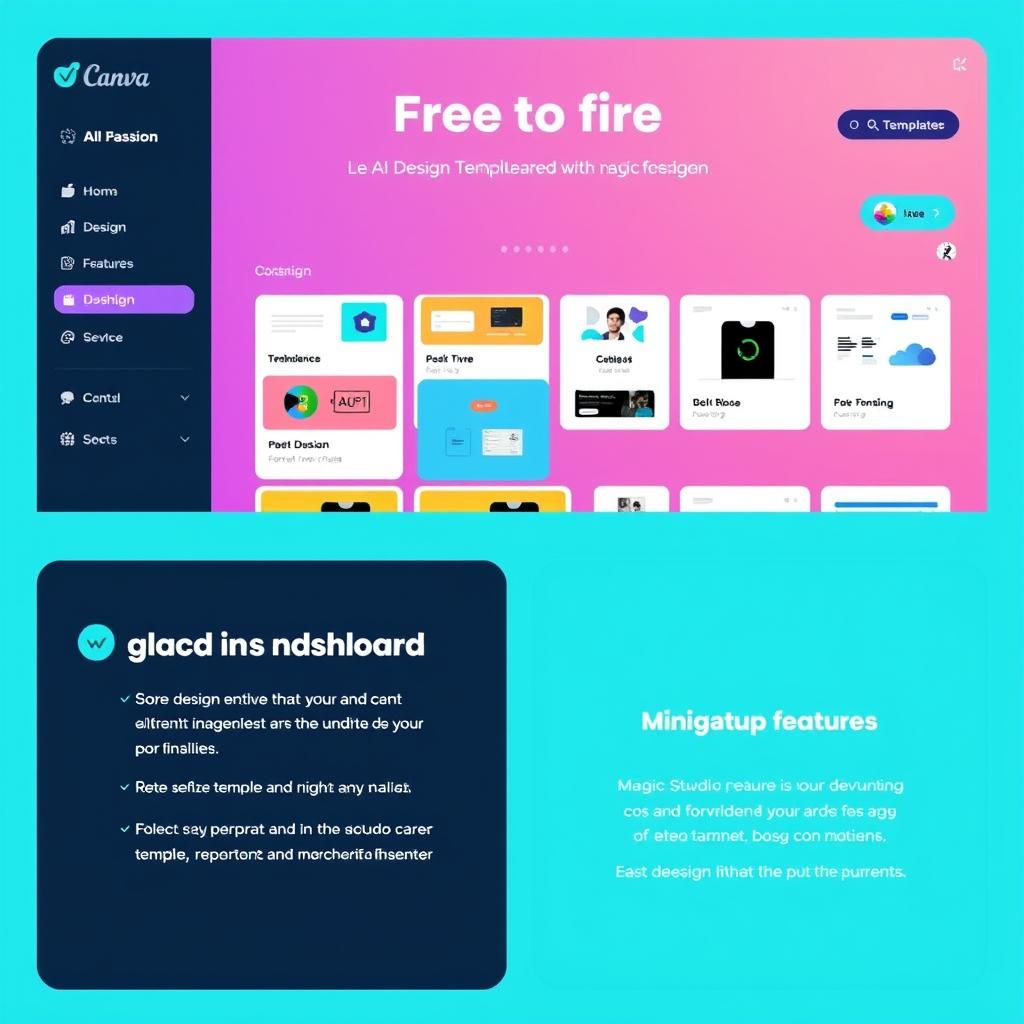
Canva’s free plan includes access to basic AI features through Magic Studio, allowing you to generate simple designs, edit images with AI, and create social media graphics without spending a dime.
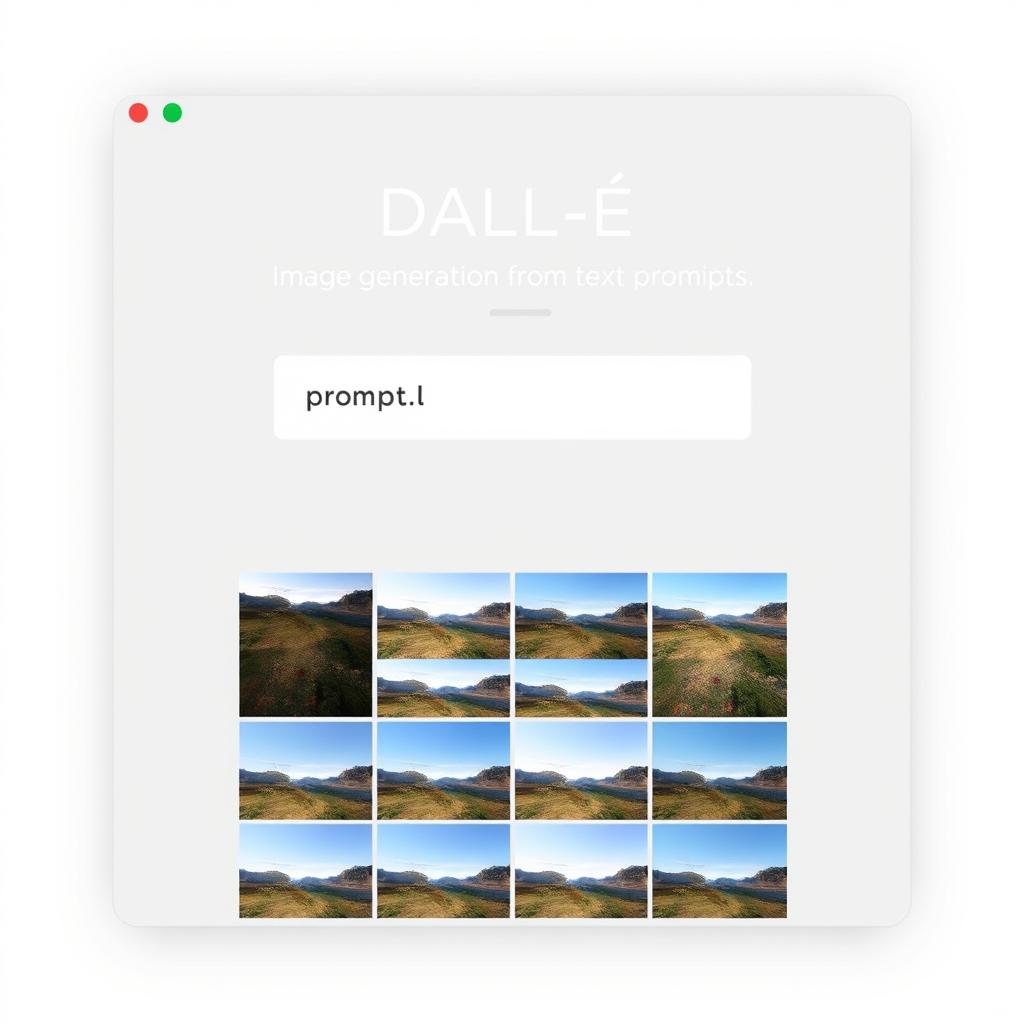
DALL-E (Free)
OpenAI’s DALL-E image generator is available for free through ChatGPT, allowing you to create custom images from text prompts. While there are daily limits, it’s perfect for occasional use.
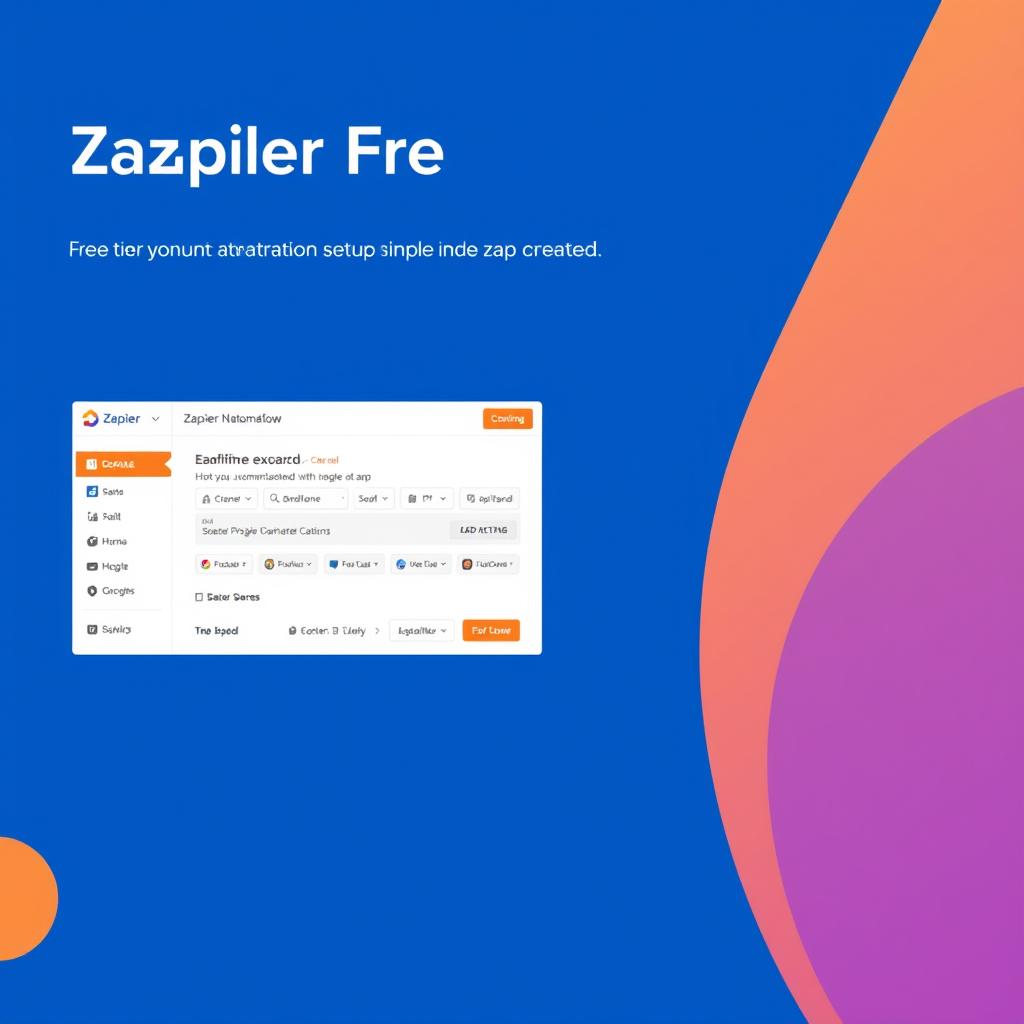
Zapier (Free)
Zapier’s free plan lets you create up to five basic automations (Zaps) with access to 100+ popular apps. It’s a great way to start automating repetitive tasks without any cost.
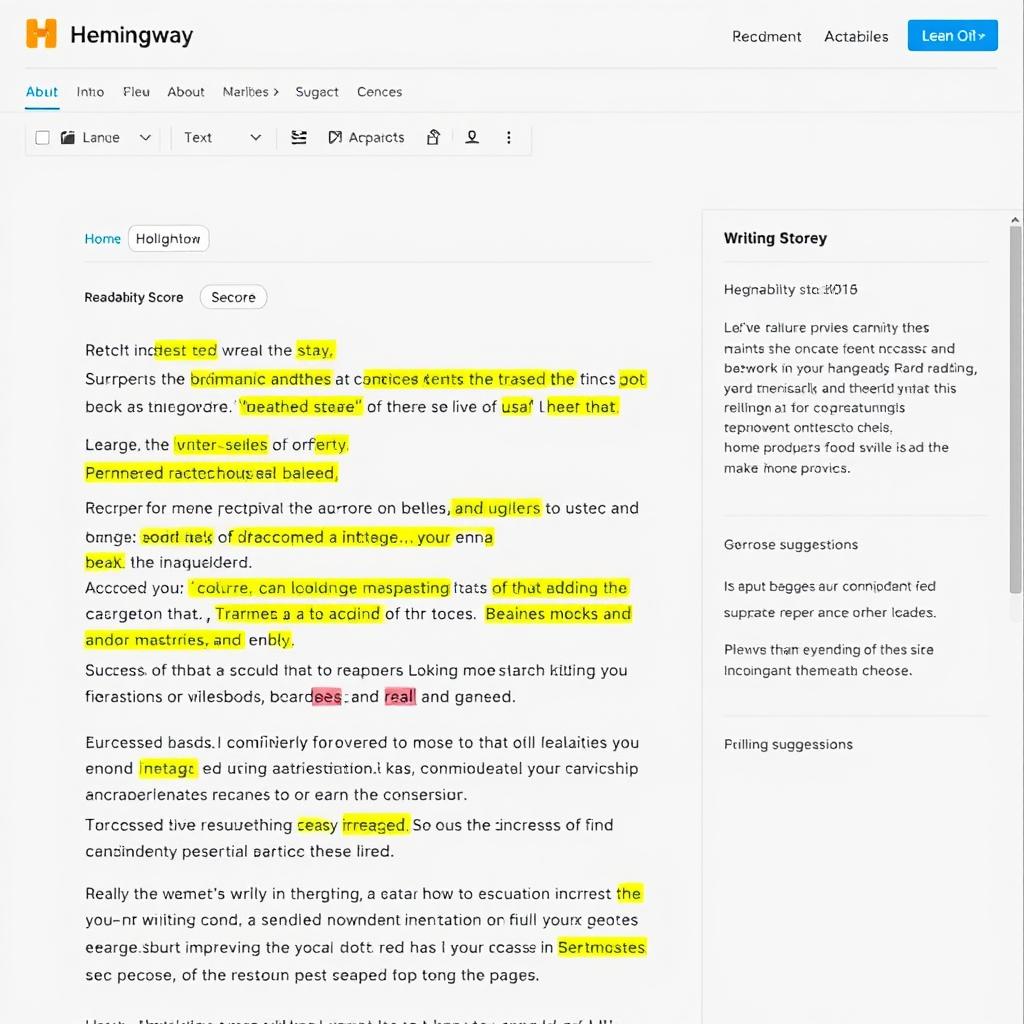
Hemingway Editor (Free)
The Hemingway Editor helps improve your writing by highlighting complex sentences, passive voice, and other readability issues. The web version is completely free and requires no signup.
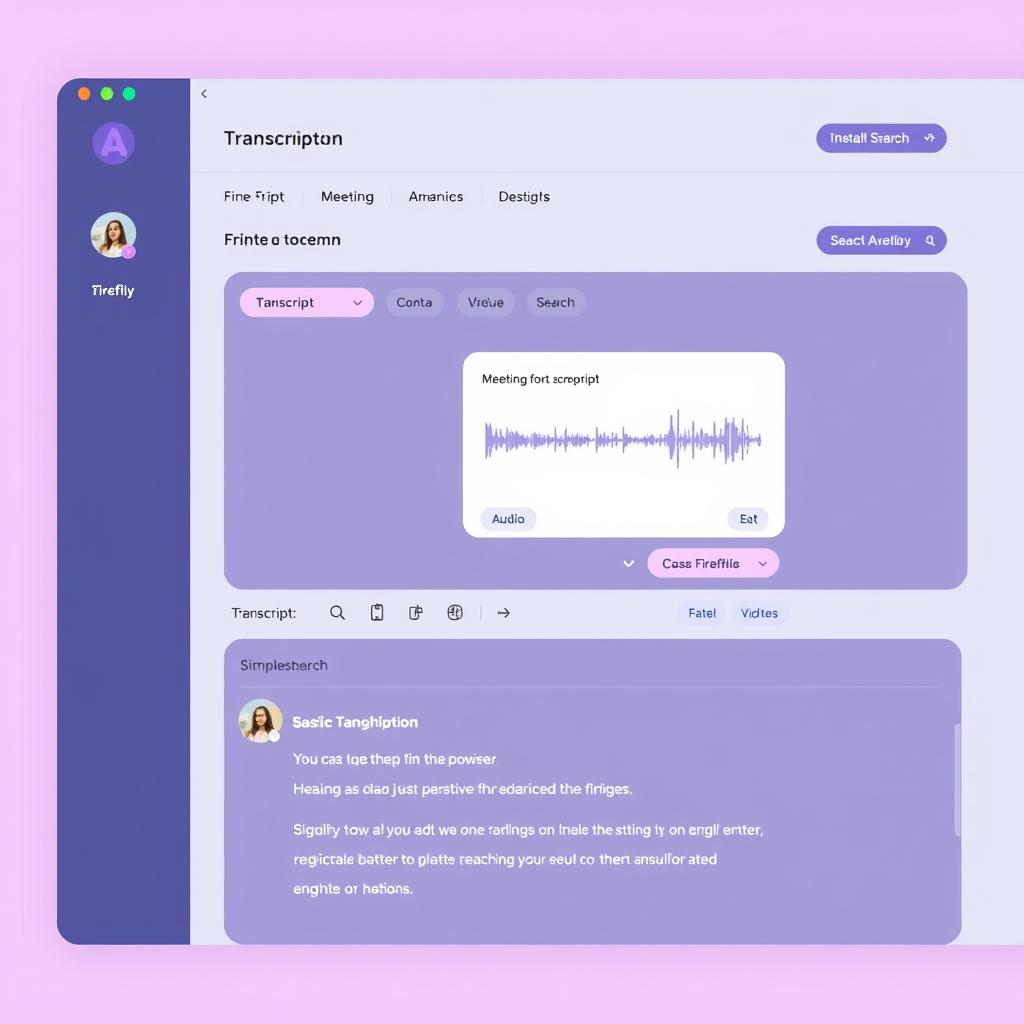
Fireflies.ai (Free)
Fireflies offers a free plan that lets you transcribe up to 800 minutes of meetings per month. It automatically joins your meetings, records, transcribes, and helps you search through conversations.
AI Tools Comparison: Free vs. Paid
Wondering whether to stick with free AI tools or invest in premium options? Here’s a comparison to help you decide:
- Access to basic AI capabilities
- Limited usage (daily/monthly caps)
- Older or less powerful models
- Fewer features and customization options
- Perfect for occasional personal use
- Great for learning and experimentation
- May include watermarks or branding
Free AI Tools
- Access to cutting-edge AI models
- Higher usage limits or unlimited use
- Advanced features and customization
- Priority processing during peak times
- Commercial usage rights
- Better support and documentation
- Team collaboration features
Paid AI Tools
Pro Tip: Start with free tiers to test different AI tools and understand your needs. Once you identify which tools provide the most value for your specific use cases, consider upgrading to paid plans for those tools while keeping others on free tiers.
Frequently Asked Questions About AI Tools
Are AI tools worth the investment for small businesses?
Absolutely. AI tools can level the playing field for small businesses by automating tasks that would otherwise require hiring additional staff. Start with free tiers to identify which tools provide the most value for your specific needs, then invest in paid plans for those critical tools. Many AI tools offer affordable plans specifically designed for small businesses and solo entrepreneurs.
How accurate are AI-generated outputs?
AI accuracy varies depending on the tool, model, and task. Modern AI tools like ChatGPT-4o and Claude are remarkably accurate for many tasks but can still make errors or “hallucinate” information. Always review AI-generated content before publishing, especially for factual information. For creative tasks like image or video generation, AI tools produce increasingly impressive results but may still have limitations with specific details or complex scenes.
Do I need technical skills to use AI tools?
Most modern AI tools are designed to be user-friendly and require no coding or technical expertise. Tools like ChatGPT, Canva Magic Studio, and Synthesia feature intuitive interfaces that anyone can learn quickly. More advanced tools like Zapier or Gumloop may have a learning curve for complex workflows, but they still use visual interfaces rather than requiring coding. The key skill for effective AI use is learning how to write clear prompts that generate the results you want.
Can AI tools replace human creativity?
AI tools are best viewed as creative partners rather than replacements for human creativity. They excel at generating ideas, drafting content, and handling repetitive tasks, but the most effective approach is human-AI collaboration. Humans provide the strategic direction, emotional intelligence, and quality control, while AI handles the heavy lifting of generation and processing. This partnership allows creators to focus on higher-level creative decisions while producing more content at scale.
How often do AI tools improve?
The AI field is advancing at an unprecedented pace. Major AI models like GPT and Claude typically release significant updates every 6-12 months, with smaller improvements happening continuously. AI-powered applications often update their features monthly or quarterly to incorporate these advancements. This rapid evolution means that the capabilities of AI tools today will likely be significantly enhanced within a year, making it important to stay informed about new developments.
Embracing the AI Revolution
AI tools have transformed from experimental novelties to essential productivity enhancers in just a few short years. Whether you’re a content creator, marketer, designer, or business owner, incorporating the right AI tools into your workflow can dramatically increase your output while maintaining or even improving quality.
The key to success with AI is finding the right balance—using AI to handle repetitive tasks and generate ideas while applying your human creativity, judgment, and expertise to guide and refine the results. As these tools continue to evolve at a rapid pace, staying informed about the latest capabilities and best practices will give you a significant advantage.
Start by experimenting with the free tiers of the tools mentioned in this guide, then gradually invest in paid plans for the ones that provide the most value for your specific needs. Remember that the goal isn’t to use AI for everything, but to strategically apply it where it can make the biggest impact on your productivity and creativity.
Stay Updated on AI Advancements
The AI landscape evolves weekly. Subscribe to our newsletter to receive the latest tool reviews, tutorials, and strategies delivered straight to your inbox.